
Article: How to Print a ChatGPT Image as a Poster: Sizes, Quality and Ideas
How to Print a ChatGPT Image as a Poster: Sizes, Quality and Ideas

You asked ChatGPT to paint your dog as an 18th-century aristocrat, to turn your daughter's crayon dragon into a storybook scene, or to imagine your hometown as a vintage travel poster. The result is wonderful, and now it lives in a chat thread. The natural next step is to print your ChatGPT image as a poster and give it a place on the wall.
It is easy to do, but a few details make the difference between a print you are proud of and one that looks soft or badly cropped: the shape you ask for, the way you save the file, the size you choose and the layout. This guide walks you through each of them, with the real numbers behind print quality, so you can order with confidence.
In short: ask ChatGPT for the shape you want to hang (portrait, landscape or square), download the full-size file instead of taking a screenshot, then upload it to a custom poster editor that shows the print quality for each size. A standard ChatGPT image prints beautifully up to about 8 × 12 inches (21 × 30 cm), and up to 12 × 16 inches (30 × 40 cm) with white borders.

The example images in this article were created with an AI image generator for illustration. Pixel sizes of ChatGPT downloads reflect published tests from November 2026 and may change as OpenAI updates its image models. Last updated: November 2026.
How to print a ChatGPT image in four steps

1. Ask for the right shape from the start
A poster has a shape, and so does your image. ChatGPT usually creates square images unless you ask otherwise, so say what you plan to hang: "vertical portrait format" for a poster above a console or a bed, "horizontal landscape format" above a sofa or a sideboard, "square" for a gallery wall or a kitchen. Getting the shape right in the prompt avoids cropping the image later, which is the most common disappointment when people print AI art.
2. Download the full-size file
On a computer, click the image to open it, then use the download button. In the ChatGPT app on a phone, open the image and tap Save: it goes to your photo library. Two things to avoid: screenshots, which lose pixels and capture the interface around the image, and sending the image to yourself through a messaging app, which often compresses it.
It is worth checking the size of what you saved. On a Mac, select the file and use Get Info; on Windows, right-click it and open Properties > Details; on an iPhone, swipe up on the photo. At the time of writing, ChatGPT downloads are usually around 1024 × 1536 pixels for a portrait, 1536 × 1024 for a landscape and 1024 × 1024 for a square. Adding "4K" or "high resolution" to your prompt changes the style of the image, not the size of the file.
3. Upload it and choose the size
Upload the file to a poster editor and choose the size. In the Posterscape editor, JPG, PNG, WEBP and HEIC files up to 40 MB are accepted, which covers every format ChatGPT and other AI tools export. As soon as you pick a size, the editor rates the print quality from Excellent to Low resolution, so you know before ordering whether the image is large enough. You can also move and zoom the crop, add a title and apply a filter.
4. Choose the paper and the frame
Pick matte or semi-gloss paper, then decide whether you want the poster framed. Framed posters arrive ready to hang, in black metal or in white, natural or black oak. You only pay for the print and its frame: the framing work is free.
How big can you print a ChatGPT image?
This is the question that matters most, and the one most guides answer vaguely. Print quality depends on how many pixels of your image end up on each inch of paper. A professional print aims for 150 to 300 pixels per inch; at a normal viewing distance, a poster still looks good at around 100. Below 60, the image starts to look soft.
A ChatGPT portrait of 1024 × 1536 pixels has 1,024 pixels across. Spread over 8 inches of paper, that is about 125 pixels per inch: sharp. Spread over 20 inches, it drops to around 50: visibly soft. Here is how it works out, size by size.

| Poster size | Original ChatGPT file (1024 × 1536 px) | After a 2× upscale (2048 × 3072 px) |
|---|---|---|
| 6 × 8 in (15 × 20 cm) | Excellent | Excellent |
| 8 × 12 in (21 × 30 cm) | Excellent with white borders, good on the full page | Excellent |
| 12 × 16 in (30 × 40 cm) | Good with white borders, fair on the full page | Excellent |
| 16 × 20 in (40 × 50 cm) | Fair | Excellent with white borders, good on the full page |
| 20 × 28 in (50 × 70 cm) | Fair with white borders, low on the full page | Good |
| 24 × 32 in (60 × 80 cm) | Low | Good with white borders, fair on the full page |
| 28 × 39 in (70 × 100 cm) | Low | Fair |
Quality levels as rated by the Posterscape editor for a portrait image. Square and landscape ChatGPT images follow the same pattern: 12 × 12 inches (30 × 30 cm) is good with white borders, 20 × 20 inches (50 × 50 cm) and above call for an upscale.
Two things stand out. First, white borders help: the image covers a slightly smaller area of the sheet, so the same pixels are packed more tightly and the print looks sharper. Second, the style of the image matters as much as the numbers. Painterly, watercolor and illustrated images, which are what most people create with ChatGPT, hide a little softness far better than a photorealistic image full of fine detail. A "fair" oil-painting portrait at 16 × 20 inches usually looks better on the wall than the label suggests.
How to make a ChatGPT image bigger for printing
If you dream of a 20 × 28-inch poster above the sofa, upscale the image before you upload it. An AI upscaler does not simply stretch the pixels: it redraws the missing detail, which works remarkably well on illustrations and paintings.
- Use a dedicated upscaler. Free tools such as Upscayl, an open-source desktop app, and paid ones such as Topaz Gigapixel can enlarge an image two or four times. A 2× upscale is enough to take a ChatGPT image to 20 × 28 inches in good quality.
- Don't ask ChatGPT for "4K". It will happily create a new image, but the file you download stays the same size, and the new image may differ from the one you loved.
- Check the result at 100%. Zoom in on faces, hands and lettering after upscaling: these are the areas where an upscaler occasionally invents odd details.
- Compare in the editor. Upload the upscaled file and watch the quality rating change for the size you want. If it says Good or Excellent, you are ready to order.
Other image generators work the same way. Google Gemini, Midjourney, Microsoft Copilot and others export files of different sizes depending on the tool and the settings, and some can produce larger images than ChatGPT. Whatever the tool, check the pixel size of the file you download and let the editor tell you how far you can go.
How to prompt ChatGPT for an image you want to print
An image that looks great on a phone screen is not always one that works on a wall. A few words in your prompt make a real difference.
- Name the format. "Vertical portrait format", "horizontal landscape format" or "square format". Portrait images fit 8 × 12 and 20 × 28-inch posters with only a slight trim; 12 × 16 and 18 × 24-inch posters are a little wider, so a bit more is trimmed at the top and bottom.
- Leave some breathing room. Ask for "the subject centered, with space around it". Paws, ears and treetops right at the edge of the image are the first things a crop cuts off.
- Ask for no text, then add it in the editor. Lettering inside AI images is often slightly off, and it is printed at the image's resolution. A title added in the editor is set in a real font and printed perfectly sharp at any size, and you can change it until the last moment.
- Ask for no border or frame. AI tools sometimes paint a fake frame, a paper edge or a white margin into the image. Write "no frame, no border, the illustration fills the whole image", then choose a real frame and real white borders when you order.
- Think about the room. "Muted earthy colors" for a calm living room, "soft pastel watercolor" for a nursery, "bold screen-print colors" for a hallway or an office. ChatGPT is good at matching a palette, and a poster that matches the room looks intentional.
- Iterate before you print. Ask ChatGPT to fix a detail ("make the jacket darker blue", "remove the bird on the left") until you love the image. Once it is printed, it is on your wall for years.
Choosing the layout, paper and frame

The layout changes the character of the poster. On the full page, the image covers the whole sheet, edge to edge: ideal for landscapes and travel posters. White borders give a gallery look that suits portraits and illustrations, sharpen the print slightly and leave room for a title underneath, such as your dog's name or the date of a trip. The text box places the title in a white box over the image, a graphic look that works well for city posters.
For the paper, matte has no reflections and flatters painterly images, watercolors and anything hung opposite a window. Semi-gloss makes colors richer and deeper, which suits vivid digital art, neon palettes and retro posters. Both are 200 gsm papers from FSC-certified sources.
A frame is what turns a print into a piece of decor. Black metal is sharp and modern and suits graphic, colorful images; natural oak warms up painterly portraits; white oak is soft and light, perfect in a nursery; black oak gives a more elegant, gallery-like finish. If you are not sure, look at the main color of the room: the frame should belong to the room as much as to the image.
What people print from ChatGPT: ideas that work
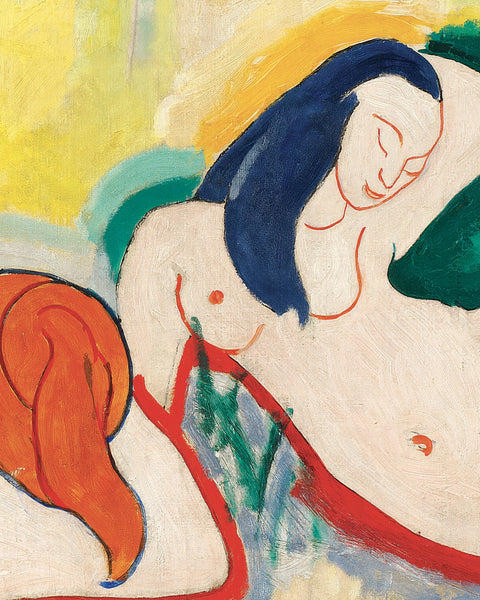
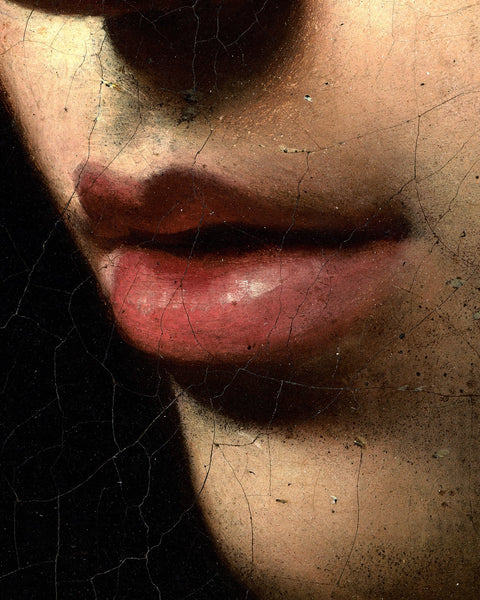
A portrait of your pet, in the style of an old master
The most popular request by far. Describe your pet as precisely as possible, or upload a photo and ask ChatGPT to keep its face and coat, then choose an era: a Renaissance noble, a Victorian officer, a Dutch still-life setting. In a natural oak frame with white borders and the pet's name as a title, it looks like an heirloom and makes a lovely gift.
Your child's drawing, reimagined

Photograph a drawing and ask ChatGPT to "turn this drawing into a soft watercolor storybook illustration, keeping the same characters, colors and composition". Children are thrilled to see their dragon become a "real" picture, and the poster tells a story that no shop-bought print can. For a nice touch, print the original drawing too and hang them side by side.

The reimagined dragon in a white oak frame, with white borders. More ideas for little ones in our kids and nursery posters.
Your place as a vintage travel poster
Your hometown, the lake where you spend every summer, the city where you met: ask for "a mid-century travel poster of [place], flat screen-print style, limited warm palette, no text". Add the name of the place as a title in the editor, in the text box layout, and you have a travel poster that exists nowhere else.

Decor made to measure for one room
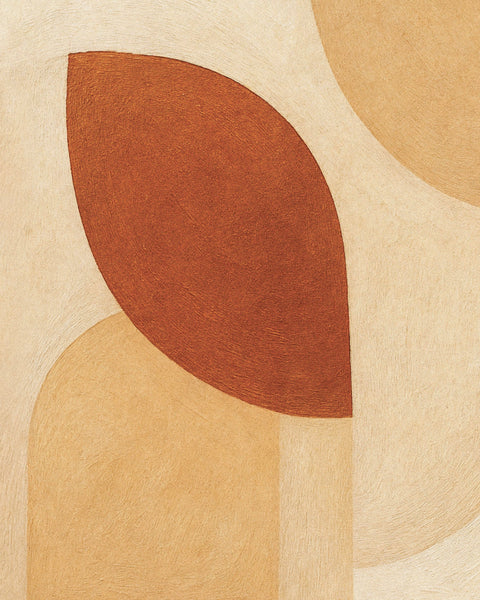
Sometimes you simply cannot find the right poster for a specific wall. Describe the room to ChatGPT, its colors and its style, and ask for a botanical print, an abstract composition or a still life that matches. Lemons for a kitchen, a calm seascape for a bathroom, warm abstract shapes for a living room: the image is made for the space instead of the other way around.

A square botanical print in a black oak frame. Looking for ready-made ideas? Browse our kitchen wall art.
A gift nobody else can give
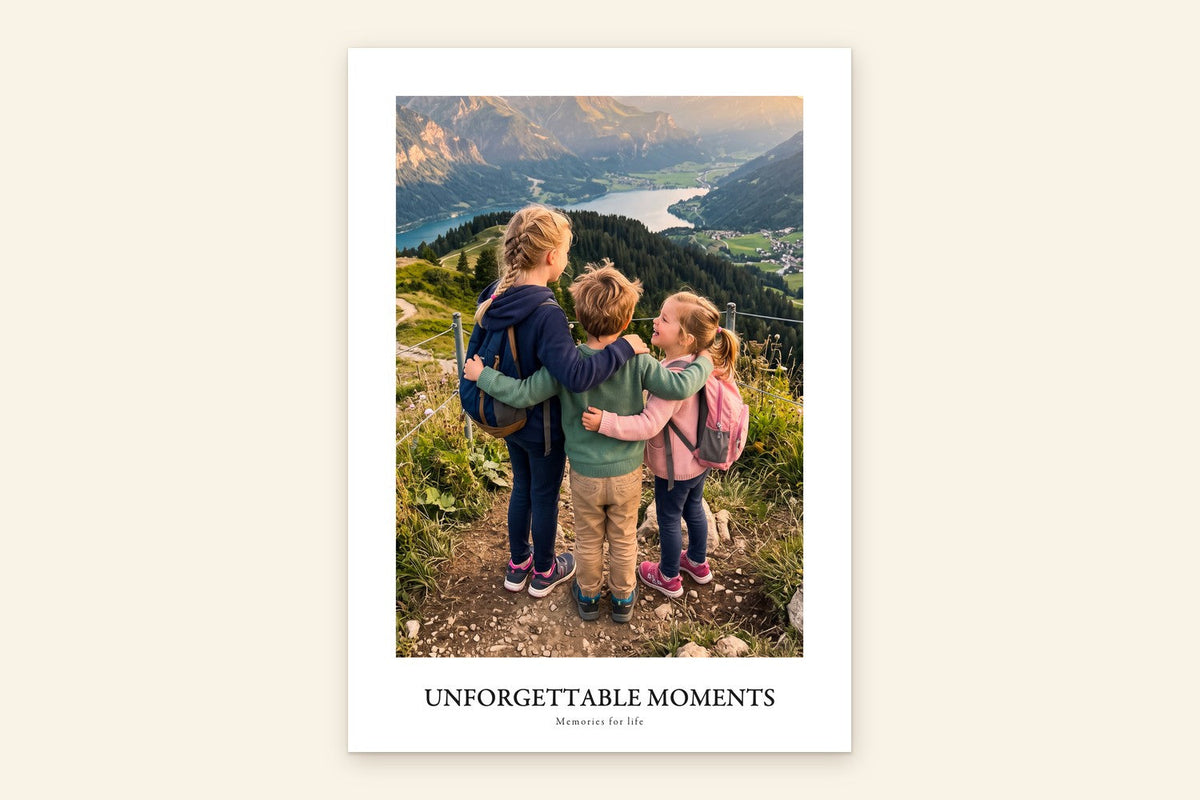
A couple's first trip painted as an impressionist landscape, a grandparent's farmhouse as a folk-art illustration, a team's mascot for a retiring colleague: an AI image built around a shared memory, then printed and framed, is a deeply personal present. Add a short title and a date in the editor, and order a framed poster so it arrives ready to give.
Can you print and hang an AI image? A word on rights
For a poster in your own home or a gift, you can print the images you create. OpenAI's terms of use say that, as far as the law allows, you own the images you generate with ChatGPT, and other major tools have similar terms. Keep in mind that copyright rules for AI-generated images are still evolving, and that owning the output does not give you rights over what is in it. Avoid images built around famous characters, logos, brands or a recognizable artist's signature work, and ask before printing a realistic image of another person. As a printer, we may decline images that clearly infringe someone else's rights.
Frequently asked questions about printing ChatGPT images
Can I print an image I made with ChatGPT?
Yes. Download the image from ChatGPT, then upload it to a custom poster service. On Posterscape, you choose the size, the paper and the frame, see the print quality rating for each size, and receive a poster ready to hang. Prices start at $16 for an unframed print and $48 for a 12 × 16-inch poster in a black metal frame in the US.
What size can I print a ChatGPT image?
A standard ChatGPT image of about 1024 × 1536 pixels prints in excellent quality up to 8 × 12 inches (21 × 30 cm) and in good quality at 12 × 16 inches (30 × 40 cm) with white borders. For 16 × 20 inches and larger, upscale the image two times first.
Why does my ChatGPT image look blurry when printed?
Usually because the image has too few pixels for the size of the print, because it was saved as a screenshot or sent through a messaging app that compressed it. Download the original file, choose a smaller size or white borders, or upscale the image before ordering.
How do I make a ChatGPT image higher resolution?
Use an AI upscaler such as Upscayl (free) or Topaz Gigapixel to enlarge the file two or four times. Asking ChatGPT for "4K" or "high resolution" changes the look of the image but not the size of the downloaded file.
Do I own the images I create with ChatGPT?
OpenAI's terms of use assign you the rights to the images you generate, as far as the law allows, so you can print them for your home or as a gift. Copyright rules for AI images are still evolving, and you should avoid images that reproduce characters, logos or other protected work.
Can I print images from Gemini, Midjourney or Copilot too?
Yes, the steps are the same for any AI image generator: download the original file, check its pixel size and upload it. Some tools export larger files than ChatGPT, which allows bigger posters without upscaling.
Which paper is best for AI art?
Matte paper suits painterly, watercolor and vintage styles and has no reflections. Semi-gloss paper brings out vivid colors and suits bold digital art and neon palettes.
Can I add text to my AI image poster?
Yes. Rather than asking ChatGPT to write inside the image, add a title and a subtitle in the poster editor: the text is printed perfectly sharp, in the layout of your choice, and you can edit it until you order.
From the chat to the wall
The images people create with ChatGPT are often more personal than anything they could buy: their pet, their child's imagination, their favorite place. They deserve better than a camera roll. Ask for the right shape, save the full file, check the quality for the size you want, and your AI creation becomes a real poster that you see every day.
When your image is ready, upload it to our custom poster editor and see exactly how it will look on paper before you order. And if you want to compare services first, read our guide to the best custom poster websites.


Leave a comment
This site is protected by hCaptcha and the hCaptcha Privacy Policy and Terms of Service apply.