
Article: How to Print an Etsy Digital Download as a Poster (and Which File to Use)
How to Print an Etsy Digital Download as a Poster (and Which File to Use)

You found the print. Maybe it took an evening of scrolling, maybe it was the first thing you saw. You paid a few dollars, Etsy sent you a download link, and now you have a ZIP file full of JPGs with names like Ratio_2x3.jpg and ISO_A_sizes.jpg. The print is yours. It just isn't on your wall yet.
This is the part most listings skip. Your home printer stops at letter or A4 size, and its paper is too thin for a poster. The copy shop down the street can print bigger, but you still have to pick the right file, explain the size you want, then find a frame that fits. We see the result in our orders every week: people who bought a digital print on Etsy and upload it to our custom poster editor to get it printed, and often framed, in one go. This guide explains what is in your download, which file to use for which size, and how to print an Etsy digital download as a real poster without cutting off half the design.
In short: unzip the download on a computer, find the file whose ratio matches the poster size you want (2:3 for 30 x 45 or 60 x 90 cm, 3:4 for 30 x 40 or 45 x 60 cm, 4:5 for 40 x 50 cm, ISO for A4, 50 x 70 and 70 x 100 cm), upload it as a JPG or PNG, choose the Full page layout with no text, and check the preview before you order. Digital downloads are usually large files, so the print quality is rarely the problem. The ratio is.

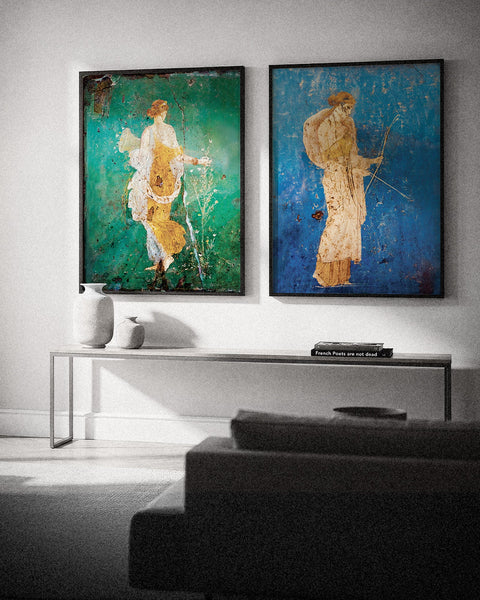
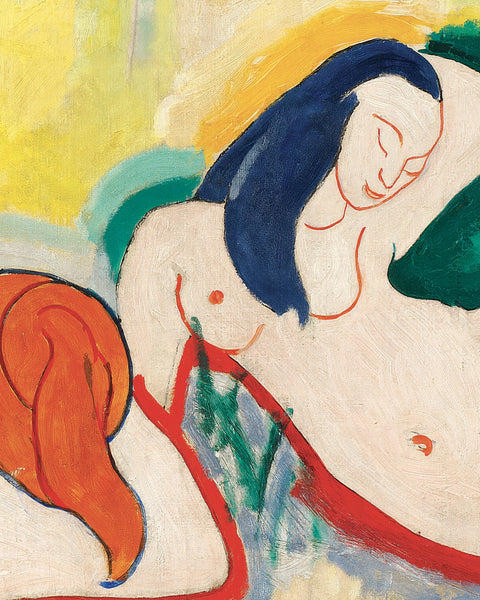
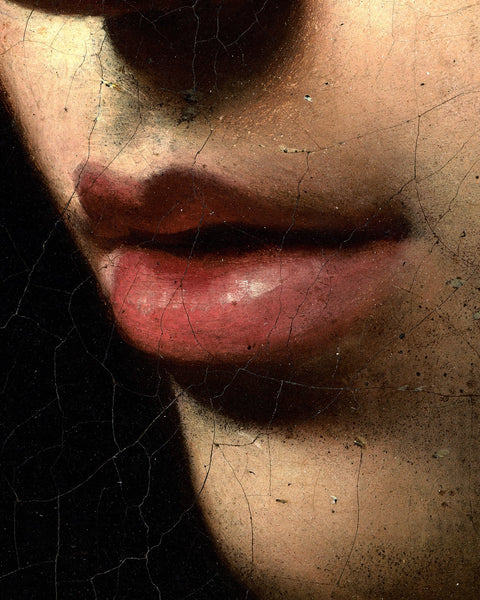
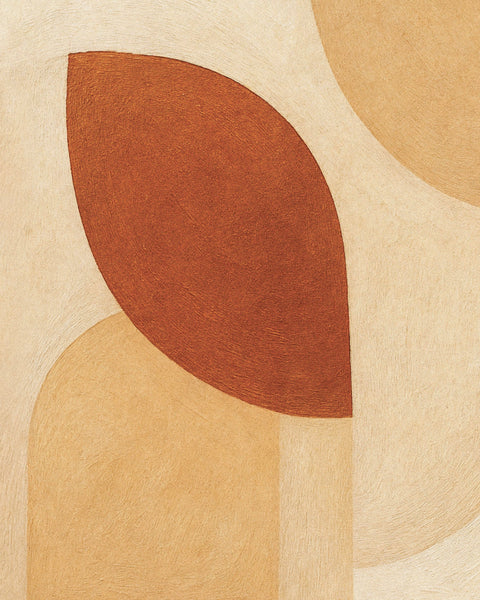
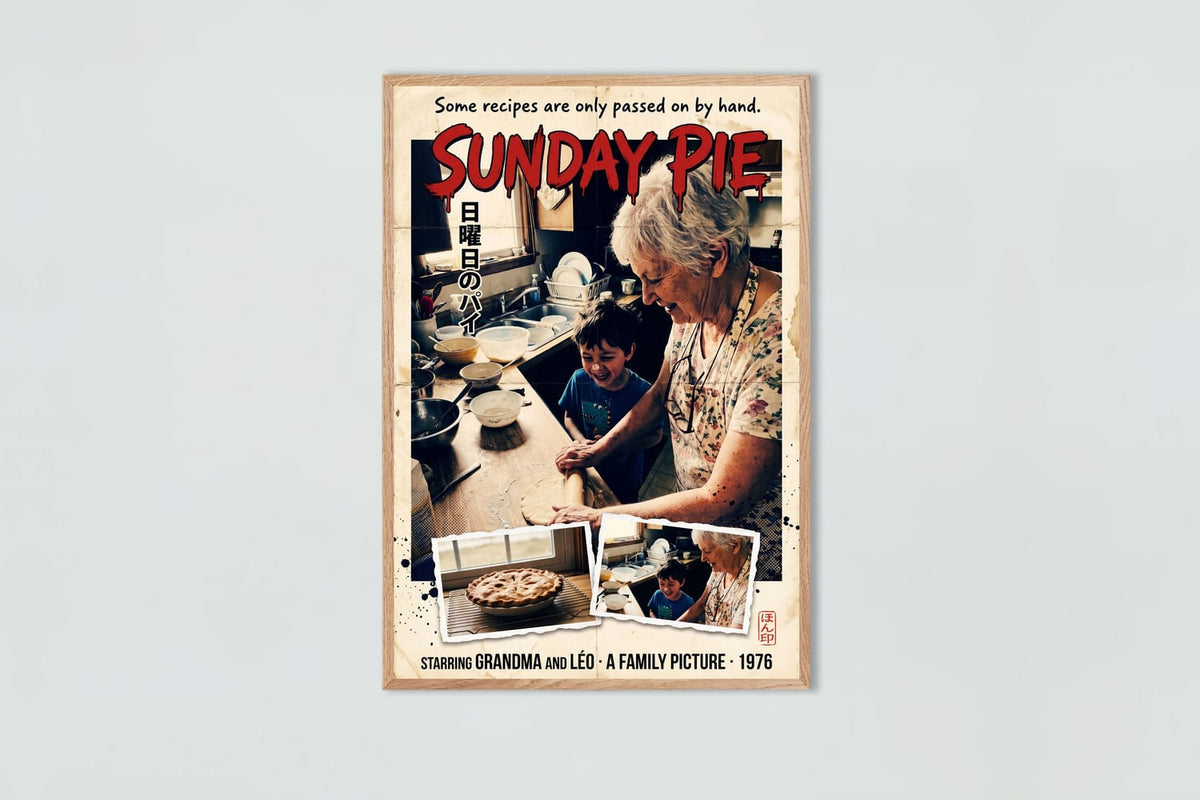
The prints shown in this article are fictional designs created for illustration with an AI image generator. They are not products from real Etsy shops. Last updated: November 2026.
What is inside an Etsy digital download?
Most sellers of printable wall art send the same design in several files, one per ratio. The ratio is the shape of the image, its width compared with its height. A 2:3 file is one and a half times taller than it is wide; a 4:5 file is almost square by comparison. Frame sizes come in families that share a shape, so one file covers a whole family:
- 2:3: 4 x 6, 8 x 12, 12 x 18, 16 x 24, 20 x 30 and 24 x 36 inches. Also 30 x 45 and 60 x 90 cm.
- 3:4: 6 x 8, 9 x 12, 12 x 16, 18 x 24 inches, and 30 x 40, 45 x 60, 60 x 80 cm.
- 4:5: 8 x 10, 16 x 20 inches, and 40 x 50 cm.
- 11:14: 11 x 14 inches, a common frame size in the US.
- ISO: the A sizes used in Europe, A5, A4, A3, A2 and A1. Their shape is also very close to 50 x 70 and 70 x 100 cm.
Some shops add a 5 x 7 file, a square file or a PDF with printing instructions. A good seller does not simply crop the same image five times: they rearrange the design for each shape, moving the title, the margins and the main subject so that nothing important ends up at the edge. That is why picking the right file matters.
Which file for which poster size
Print a file on a size of a different shape, and something has to give: either part of the design is cut off, or white bands appear on the sides. In the example below, the 2:3 travel poster has been printed on a 4:5 size. The title is cut in half. The 4:5 file, which the seller laid out for that shape, fits perfectly.

Here is the file to use for each of our poster sizes:
| File in your download | Poster sizes that fit it | Good to know |
|---|---|---|
| 2:3 | 30 x 45 cm (12 x 18 in), 60 x 90 cm (24 x 36 in) | Exact fit, nothing cut off |
| 3:4 | 15 x 20 cm (6 x 8 in), 30 x 40 cm (12 x 16 in), 45 x 60 cm (18 x 24 in), 60 x 80 cm (24 x 32 in) | Exact fit |
| 4:5 | 40 x 50 cm (16 x 20 in) | Exact fit |
| ISO (A sizes) | 21 x 30 cm (A4), 50 x 70 cm (20 x 28 in), 70 x 100 cm (28 x 39 in) | A4 is an exact fit; on 50 x 70 and 70 x 100 cm, a strip of about 1% is trimmed |
| 5 x 7 | 13 x 18 cm (5 x 7 in) | No 5 x 7 file in your download? The ISO file works, with about 2% trimmed |
| Square | 30 x 30, 50 x 50, 70 x 70 cm | Only if the design exists in a square version |
| 11:14 | None exactly | Choose 40 x 50 cm with the 4:5 file instead |
For a landscape design, the same rules apply with the sizes turned sideways: a 3:2 file for 45 x 30 cm, a 4:3 file for 40 x 30 cm, and so on.
Not sure which ratio a file has? Divide its width in pixels by its height. 0.67 is 2:3, 0.75 is 3:4, 0.80 is 4:5, 0.71 is ISO. On a computer, the pixel size appears in the file's properties (right click, then Properties on Windows, Get Info on a Mac).
Will it be sharp enough?
Usually, yes, and by a comfortable margin. Sellers of printable art generally prepare their files at 300 dpi for the largest size of each ratio, so a 2:3 file meant for 24 x 36 inches measures around 7,200 × 10,800 pixels. That is far more than a phone photo, and enough for our largest sizes.
There are two exceptions to watch for. Some cheaper listings deliver small files, around 2,000 pixels on the long side, which work for an A4 but not for a large poster. And some sellers add a size limit in the listing ("prints up to 16 x 20 in"). The editor tells you straight away: once your file is uploaded, its quality indicator rates the print as excellent, good or fair for the size you choose. If the rating drops, pick a smaller size.
Very large files are not a problem either. If your file is over 40 MB or more than 50 megapixels, the editor converts it to a high-quality JPG in your browser before uploading it, which keeps far more detail than the print needs.
How to print your download as a poster, step by step
1. Unzip the download on a computer
Etsy delivers digital files from your purchases page or by email, often as a ZIP archive. On a computer, double-click it to open the folder. On a phone it also works: on an iPhone, save the ZIP to the Files app and tap it; on Android, the Files app has an Extract option. Some sellers send a PDF with a link to a Google Drive or Dropbox folder instead: download the full-size files from there, not the previews.
2. Pick the right file
Choose the size you want first, then the file that matches it (see the table above). If you hesitate between two sizes, the one whose file is in your download is the right answer.
3. Use a JPG or PNG, not a PDF
The editor accepts JPG, PNG, WEBP and HEIC files. Most downloads include JPGs. If your seller only sent PDFs, ask them for the JPG versions: most shops reply within a day. On a Mac, you can also open the PDF in Preview and use File, then Export, choosing JPEG at the highest quality.
4. Upload it and choose the Full page layout
Open the custom poster editor, upload your file and choose the format (portrait, landscape or square) and the size. Then, in Layout, select Full page: the design covers the whole sheet, exactly as the seller made it. Most printable art already has its own margins and title, so you don't need ours: the editor starts with sample text, click Remove texts, or choose Continue without text when it asks.
5. Check the edges, then order
Look at the preview carefully, especially the corners and the edges. If a thin strip is trimmed, you can drag the image to choose where. Then choose the paper and the frame and place your order. The poster is printed to order and shipped to you, or straight to the person you are giving it to.

Paper and frame: what suits which style
Every custom poster is printed on 200 gsm FSC-certified paper, in two finishes. The right one depends on the style of the print you bought:
- Matte paper for most printable art: line drawings, watercolors, abstract boho shapes, typography and anything with a textured, paper-like look. No reflections, and the soft finish suits the warm off-white backgrounds these designs often have.
- Semi-gloss paper for very colorful designs, photographs and vintage travel posters with deep blues and saturated oranges. The colors come out richer, with a subtle satin sheen.
For the frame, the style of the design is a good guide. A thin black metal frame gives a graphic, gallery feel to travel posters, typography and black-and-white photos. White oak and natural oak frames suit botanical prints, soft abstract shapes and anything Scandinavian or Japandi. Black oak frames make light designs stand out on a pale wall. You only pay for the print and its frame, the framing work is free: the poster arrives mounted in its frame, ready to hang.


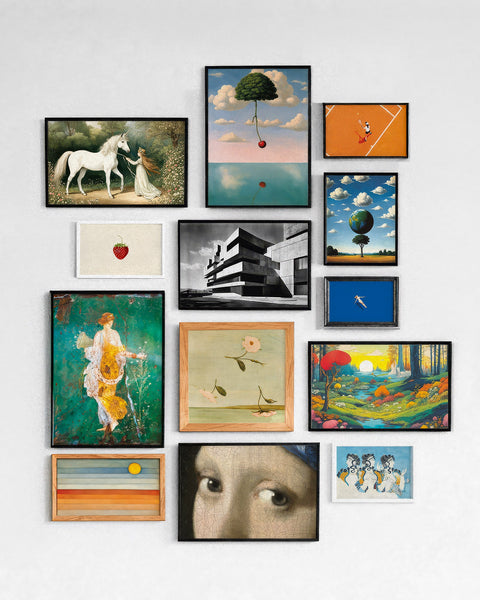
Bought a set of two or three matching prints, as many Etsy shops sell them? Order them in the same size and the same frame so the gallery wall looks planned. Space them 5 to 8 cm apart (2 to 3 inches), and hang the center of the group at about 145 cm (57 inches) from the floor, eye level for most people.

Are you allowed to have it printed?
Yes, in the vast majority of cases. When you buy a digital print, you buy a license to print it for your own use: for your home, or to give as a gift. Having it printed by a print service is exactly what sellers expect you to do, and many of them recommend it in their listings.
What a personal license does not allow is selling the prints, sharing the files or using the design for a business. A few shops have stricter rules, so read the listing's terms if you have a doubt. And only upload files you actually bought: a design copied from a listing's preview image is low resolution anyway, and printing it takes money from the artist who made it.
Frequently asked questions
Can you print a digital download I bought on Etsy?
Yes. Upload the file to our custom poster editor like any photo, choose the size, the paper and the frame, and we print it for you. It is printed to order by a partner close to the delivery address and shipped with tracking, unframed or already mounted in its frame.
Which file from my download should I upload?
The one whose ratio matches your poster size: 2:3 for 30 x 45 and 60 x 90 cm, 3:4 for 15 x 20, 30 x 40, 45 x 60 and 60 x 80 cm, 4:5 for 40 x 50 cm, ISO for 21 x 30 (A4), 50 x 70 and 70 x 100 cm. The preview in the editor shows you exactly what will be printed.
My file is a PDF. What should I do?
The editor needs an image file: JPG, PNG, WEBP or HEIC. Most sellers include JPGs in the download or send them on request. On a Mac, Preview can export a PDF page as a JPG.
Can I print my Etsy download at 24 x 36 inches?
Yes: our 60 x 90 cm size is 24 x 36 inches, the exact shape of the 2:3 file. Use that file, and check that the quality indicator shows a good or excellent rating for that size.
Will the colors look like they do on my screen?
Very close, but a screen gives off light and paper reflects it, so a print always looks a little softer. Some very bright colors, such as neons and electric blues, cannot be reproduced exactly in print. Turn on the print color preview under the poster in the editor to see how they will come out on paper.
Can I send it as a gift?
Yes. Enter the recipient's address at checkout. Prices are not included in the package, and a framed poster arrives ready to hang.
Can I print other kinds of images the same way?
Yes, the editor works with any image you have the right to print: your own photos, illustrations, or images you created with AI. Our guides explain how to print a ChatGPT image as a poster and how to turn a photo into a vintage movie poster with Meta AI.
From the download folder to the wall
A digital print is a good deal: the price of a coffee for a design you love, in every size you could want. It only becomes wall art once it is printed. Find the file that matches your size, choose Full page, and let the design breathe on good paper, in a frame that suits it.
When your file is ready, upload it to our custom poster editor and see it on paper before you order.


Leave a comment
This site is protected by hCaptcha and the hCaptcha Privacy Policy and Terms of Service apply.